

GoSDC SD Card Interface In-Depth Review - Part 3
In Part 2, we confirmed GoSDC was installed properly, formatted the card and added some disk images to it using the "GoSDCio" utility. In the final part of this review we're going to give our vanilla Beeb its first taste of a DFS and load up some games!
DFS/ADFS/Watford?
In order for our venerable Model B to interact with the disk images on the GoSDC MMC card, it needs to have a DFS, ADFS, or third-party Disk Filing System ROM. In part 1 I mentioned that GoSDC has all the file systems you'll reasonably need embedded inside. John Kortink's instructions tell me that for a Model B, a typical DFS file system is Acorn DNFS 1.20 or Acorn DFS 2.26. I've only copied DFS disk images to my MMC card, not ADFS disk images. Do take note that a DFS ROM cannot read ADFS disks, and vice versa, so depending on what you've put on your SD/SDHC/MMC card will dictate the file system ROM you need to use.
To tell GoSDC to use a given disk filing system is really easy. Using John's list of supported file systems, I see that Acorn DFS 2.26 is number 2:
| Nr | Name |
|---|---|
| 1 | (BBC B) Acorn DNFS 1.20 |
| 2 | (BBC B) Acorn DFS 2.26 |
| 3 | (BBC B) Acorn ADFS 1.30 |
| 4 | (BBC Master) Acorn DFS 2.24 |
| 5 | (BBC Master) Acorn ADFS 1.50 |
| 6 | (BBC Master) Acorn DFS 2.45 (1) |
| 7 | (BBC Master) Acorn ADFS 2.03 (1) |
| 8 | (BBC B) Watford DFS 1.44 |
| 9 | (BBC B) ACP DFS 1.00 (2) |
| 10 | (Electron) ACP DFS 2.20 (2) |
| 11 | (Electron) Acorn ADFS 1.00 |
| 12 | (All BBCs) HADFS X.YZ (3) |
To choose that filing system, type *SDCCONFIG FSNR 2
To install the chosen file system ROM into ROM slot 13, type *SDCCONFIG FSRM 13
Whenever you change ROMs, *always* reboot the Beeb using Ctrl-Break or typing: *SDCRESET
On reboot, the message displayed should reflect your chosen DFS or ADFS ROM (see pic 1 below).
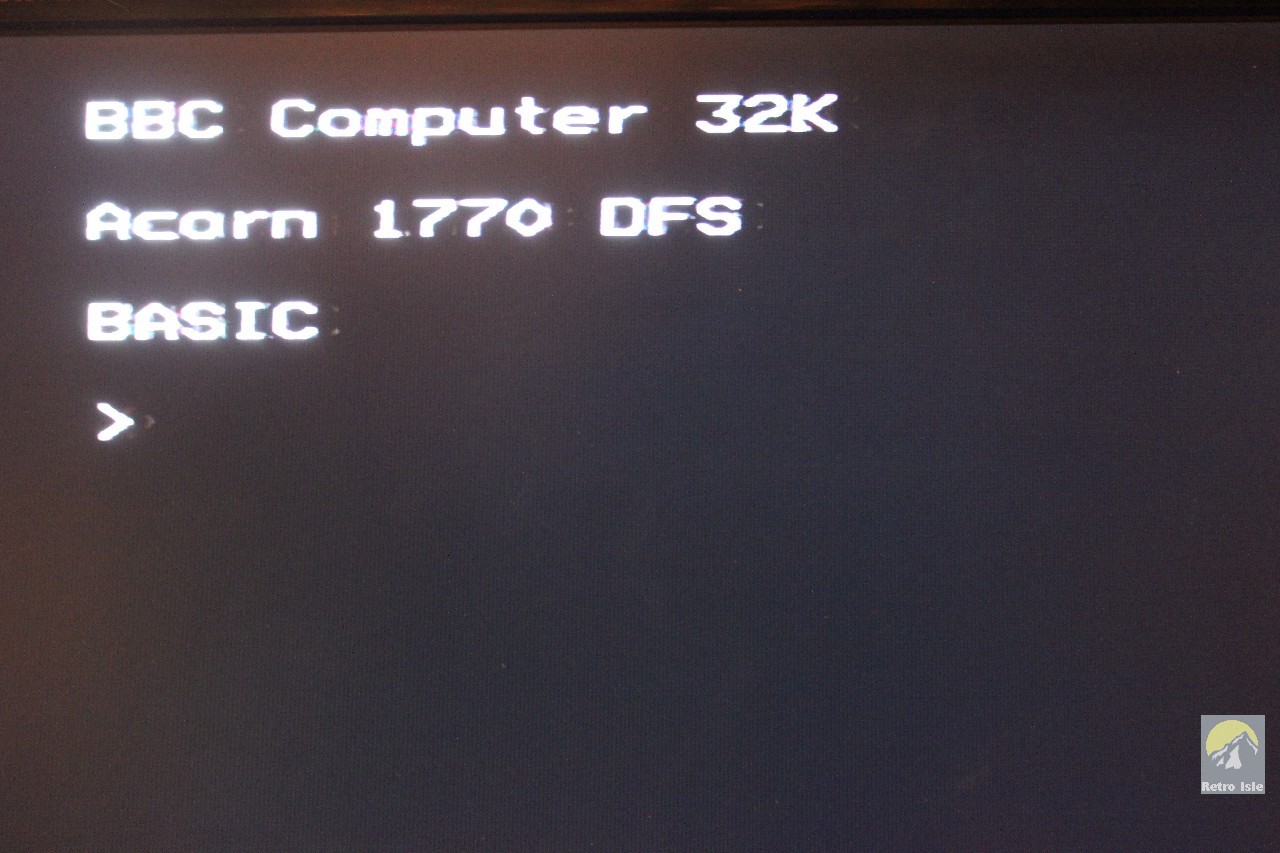
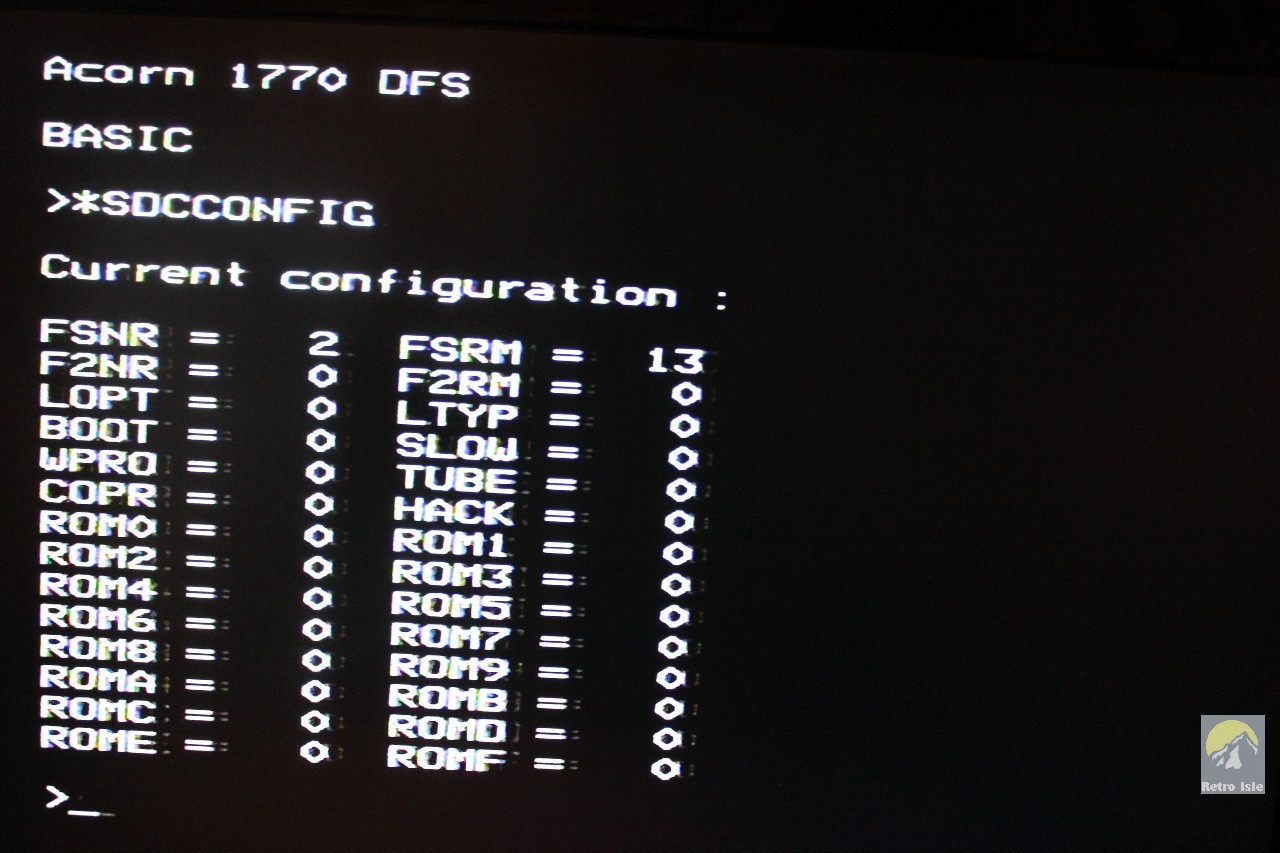
By typing *SDCCONFIG with no parameters you can now see we have filing system Number 2 in ROM slot 13 (see pic 2 above). That's all there is to it. GoSDC remembers the settings such as DFS ROM choice and location, so you can now start your Beeb each time with the DFS ready to go!
Using GoSDC
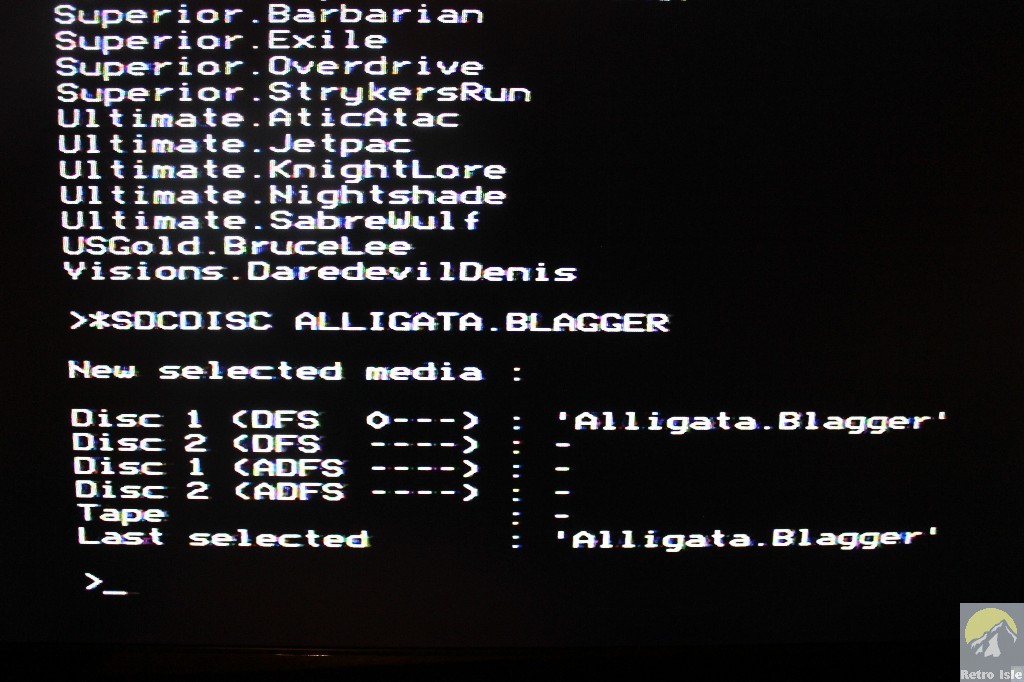
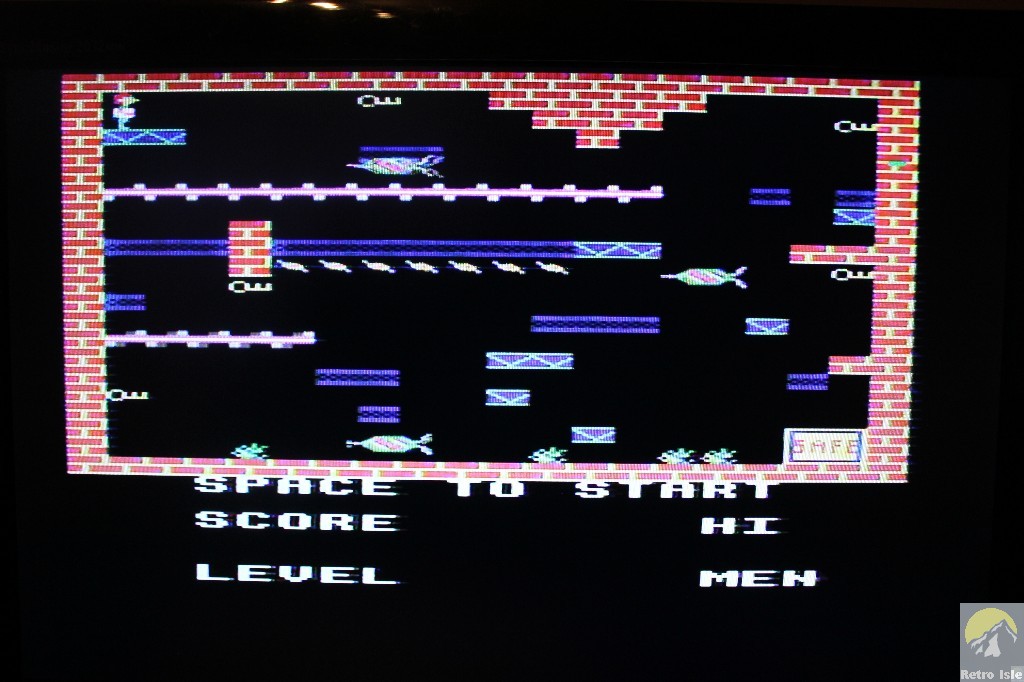
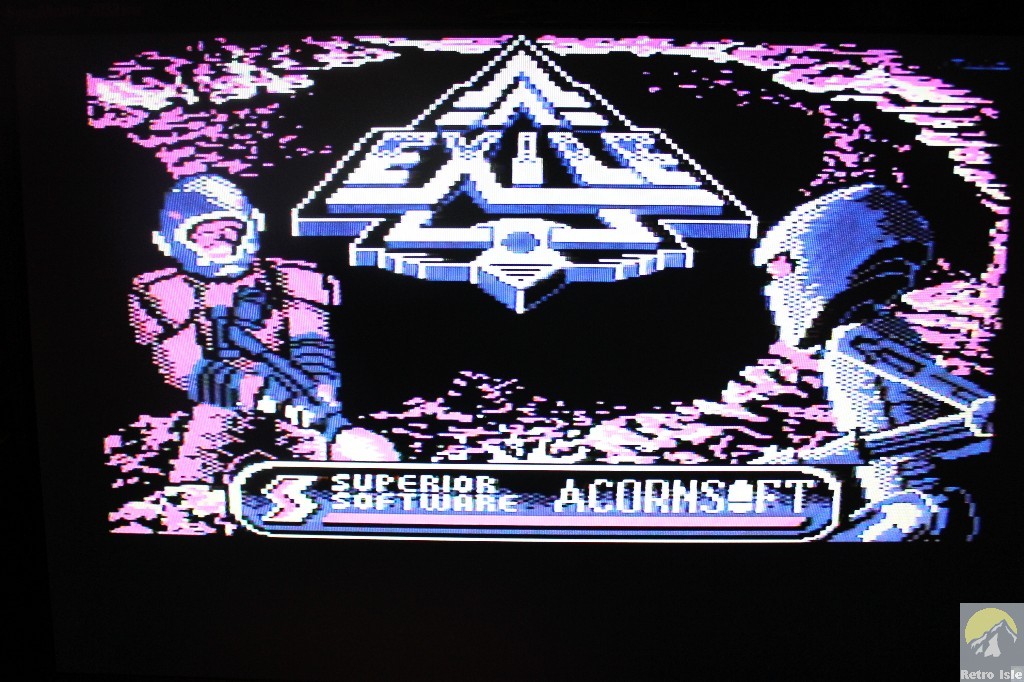
From here on in, we're into the day-to-day usage. So from powering up the Beeb, we have several options. Run *SDCTOOL SDCMENU to bring up a very convenient search program. Just type two characters from the game or publisher and it will display all the matching disk images. Select the one you want and it will automatically 'insert' the disk.
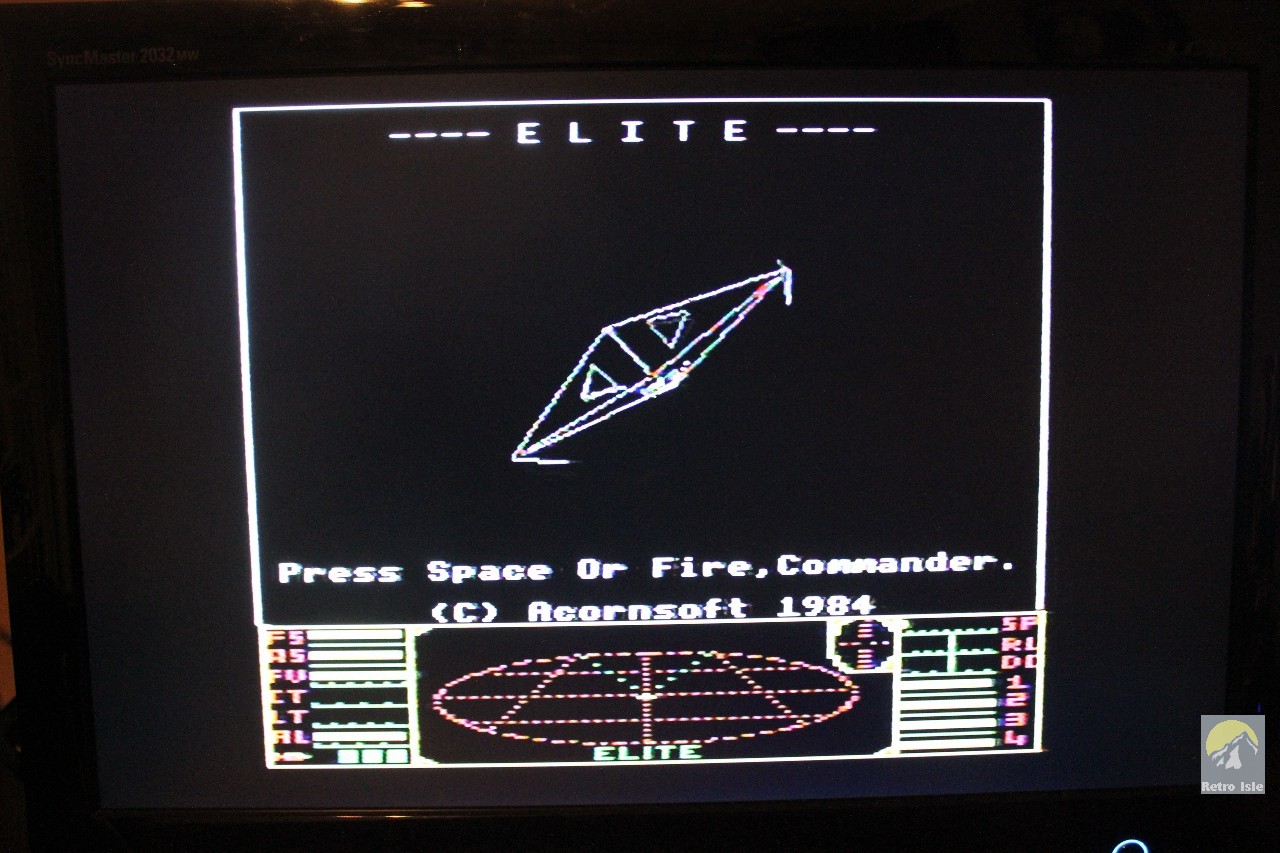
Alternatively, typing *SDCLIST will display a list of all disk images on the card. Typing *SDCDISC "<disk image name>" then inserts that disk, e.g. *SDCDISC "Acornsoft.Elite"
Following a Ctrl-Break, you can then use the regular DFS/ADFS commands such as:
*. (or *CAT) to display the disk's directory listing
LOAD "<filename>" to load the file <filename> from the disk
SAVE "<filename>" to save the current program to the disk
or if it's a self-booting floppy, just hold down Ctrl-Shift-Break, and release Shift last to execute the "!BOOT" file on the disk.


Conclusion
There are many additional tools provided on GoSDC which we've not tested or delved into in this review, including:
- the ability to write to a real floppy disk from the SD card
- the ability to write and read tape images
- the ability to write and read hard disk images, allowing up to 512 MB of files to be stored under ADFS
- updating the firmware of GoSDC using the SDCUP command
- loading tape images and running software from the tape image
- Using GoSDCio to perform batch operations such as rename, delete, and extract disks, tapes, utilities and filing systems
- Backup and restore of the entire SD card to a PC
Overall GoSDC is a very complete package, offering everything you could want from an SD card interface at a reasonable price. There is a small learning curve, but it is only due to the power and list of features that GoSDC offers. Add the fact that you get almost 100% compatibility due to the way in which it works with real Disk Filing Systems, and providing support for a variety of Acorn computers, we would highly recommend it.
Scores
|
 |
|---|


John Kortink can be reached at his website, which is:http://web.inter.nl.net/users/J.Kortink/index.htm
or email him directly here
This page was last updated on 5th February 2015.